
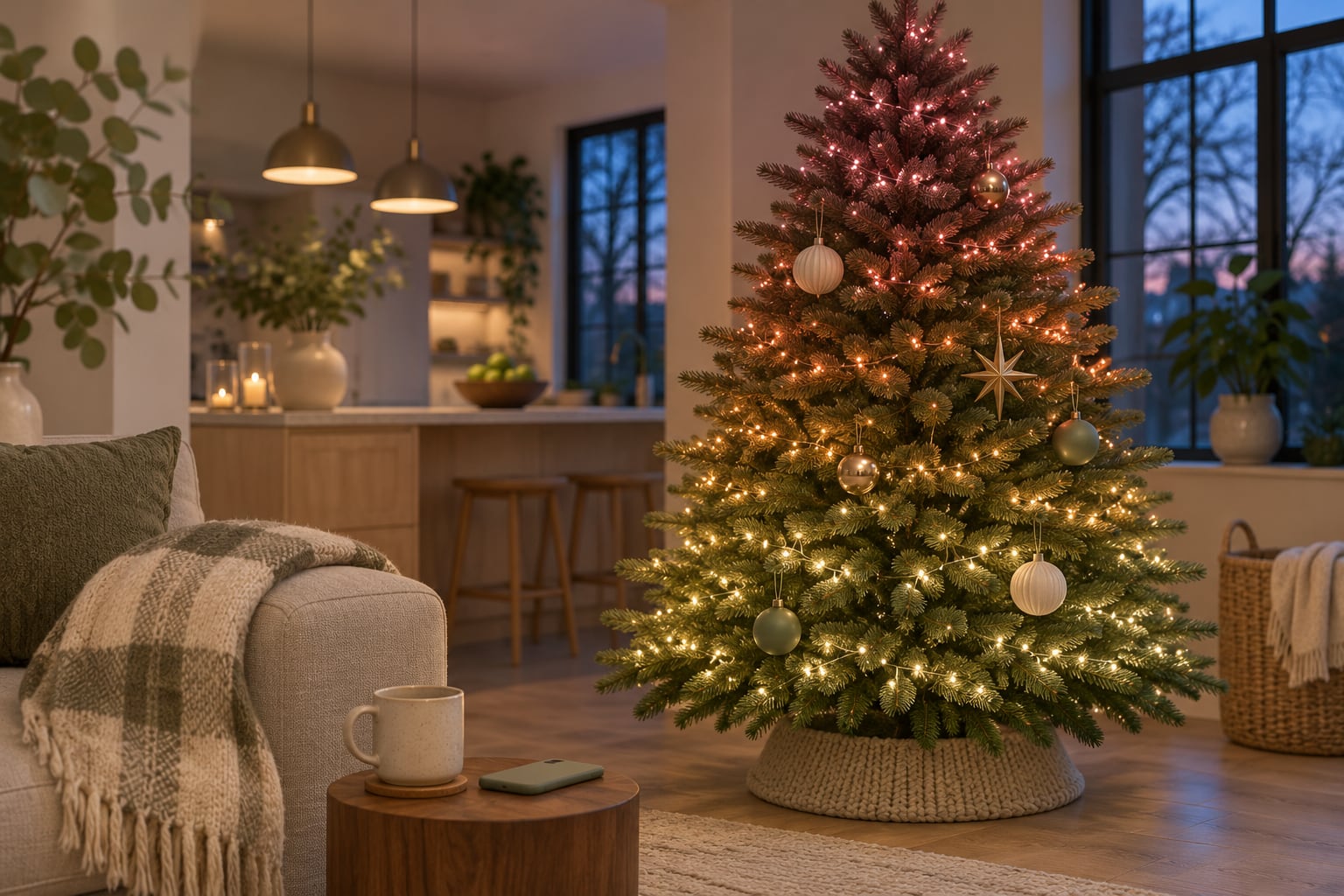
A smart Christmas tree is a pre-lit artificial tree whose lights you can run from a phone app, usually over Wi-Fi with Bluetooth for setup, and often by voice through Alexa or Google Assistant. What the app can do depends on the lights underneath it. On a tree with addressable LEDs, like the trees built with Twinkly lights, every bulb can show its own color, so the app can fill the tree with one color, fade a gradient from bottom to top, or run effects that sweep up the branches. On a tree with ordinary dual-color lights and an app added, like the current Smart Grand Duchess, the app runs the same settings as the remote and adds schedules and voice control.
What can go wrong is mostly everything around the lights: setup that wants an account, Bluetooth, and the right Wi-Fi network; a connection the tree has to hold all season; an app from a company that may not support it forever; and LEDs you can't replace one at a time. Addressable trees also carry far fewer lights than the densest ordinary trees. What only an app gives you is effects you design yourself or that follow the tree's shape. Single colors and preset effects don't need one: RGB trees with an ordinary remote do those too.
Addressable Lights or an App on Ordinary Lights
"Smart" on a listing covers two different light systems, and which one you're buying decides what the app can do.
Addressable lights. Balsam Hill's Twinkly guide describes a Twinkly tree as one "whose LED bulbs are individually addressable and controlled through the free Twinkly mobile app." Each bulb mixes red, green, and blue, and the app sets every bulb separately, so the tree can glow one solid color, shift through a gradient, or run animations. Twinkly's own pre-lit tree promises "over 16 million colors," which is the usual way of saying any mix of red, green, and blue, not a number worth comparing between brands. The feature that matters more is mapping, which, in Twinkly's words, "uses your smartphone camera and the app to map the position of each LED." Once the app knows where every bulb sits, an effect can rise up the tree as a wave instead of sparkling at random.
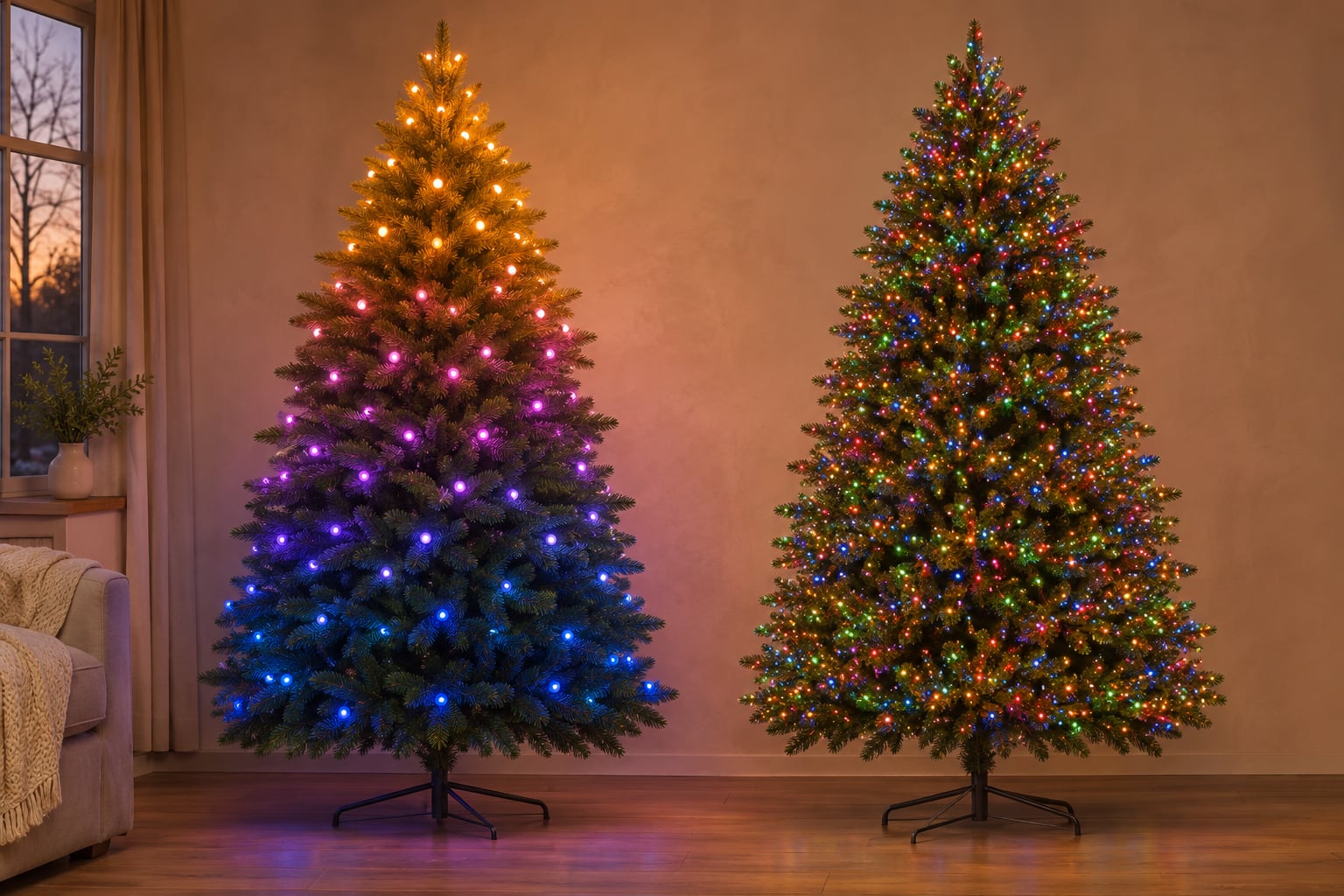
An app on ordinary lights. The current Smart Grand Duchess keeps the dual-color micro LEDs of earlier versions, 2,250 of them at 7.5 feet. Each one shows warm white or a single fixed color, as our guide to color-changing trees explains, so no app can turn the tree all blue or send a chase up the branches. Its manual says its 10 light functions run from the remote, the foot pedal, or "your smartphone or tablet." The app, Hubspace, does what the remote does, including brightness, and adds schedules, groups of trees you control together, and voice control.
| Addressable (Twinkly) | App on dual-color lights (Smart Grand Duchess) | |
|---|---|---|
| What each bulb shows | Any color the app sets | Warm white or its one fixed color |
| Effects | Presets, your own designs, and effects mapped to the tree's shape | The same 10 functions as the remote |
| Lights | 540 on Twinkly's 7-foot tree and on Balsam Hill's 7.5-foot Twinkly Fraser Fir | 2,250 at 7.5 feet |
| Without the app | A few built-in effects from the controller's button | All 10 functions from the remote and foot pedal |
| Replacing a bulb | Not possible, per Twinkly's spec sheet | Not possible; the manual says the rest stay lit if one burns out |
Those 540 bulbs work out to about 77 per foot on Twinkly's 7-foot tree and 72 on Balsam Hill's 7.5-foot one, inside the 70 to 90 per foot our lights guide calls a classic look. That's plenty for a moving show. Left on steady warm white, though, it reads as a classic lit tree rather than the dense glow of a 2,000-light one, the same gap our color-changing guide describes between RGB and dual-color trees. Twinkly also sells its 7-foot tree with LEDs that add warm-to-cool white to the colors, but that version has 435 bulbs, about 62 per foot.
"Bluetooth" on a listing doesn't always mean app control, either. The Melody Spruce, which our catalog files under smart trees, has a built-in Bluetooth speaker, a remote, and no app. Our review found its light shows sync only to its seven preset songs; play your own music over Bluetooth and the lights fall back to random patterns. Single colors don't take an app either: the Breckenridge Fraser Fir picks them from a color-wheel remote and has functions named meteor and waves.
What the App Adds
Mapped effects aside, the app adds three things.
Schedules that pick a setting. The Smart Grand Duchess manual lists schedules that turn the tree on and off "in selected modes." The tree's built-in timer only runs a fixed 6 hours on and 18 off, and a smart plug only switches the power. As our guide to blinking lights explains, some trees come back in demo mode or a default setting after every power cut.
Voice control. The Smart Grand Duchess works with Alexa and Google Assistant through Hubspace. Balsam Hill says the Twinkly controller on its trees works with Alexa, Google Assistant, and Apple HomeKit, and that voice commands can switch the lights on or off, dim them, change colors, and start scenes you've saved in the app.
Music sync, with a catch. Twinkly effects can follow music through your phone's microphone, but Balsam Hill's guide says to keep the app open while the music plays, and not every effect supports it. Taste of Home's review of a Balsam Hill tree with Twinkly lights flagged the same catch: "the app needs to be open in order for the music function to work." To sync without your phone, Twinkly sells a separate music dongle, and some smart lights have a microphone built in. Govee says of its cone tree lights: "Built-in mic makes lights dance to your music."
Setup Takes More Than Plugging It In
Assembly is the same as for any pre-lit tree. The app is where the time goes. Here's the order, from the Smart Grand Duchess manual and Balsam Hill's Twinkly guide:
- Put the tree up, plug it in, and fluff it. Balsam Hill has you do all three before connecting the Twinkly app, and the lights show default effects in the meantime. The Grand Duchess cycles through its functions in demo mode until you pick one.
- Make an account. The Grand Duchess manual has you sign in to Hubspace or register, and Taste of Home's tester signed up for Twinkly with an email address.
- Add the tree in the app. On the Grand Duchess, you tap the + button in Hubspace and scan a QR code on the tree's wire or its quick-start guide. If the code won't scan, the manual says to press the foot pedal for 5 seconds to put the tree in setup mode. On a Twinkly tree, you choose the controller generation in the app, then hold the controller's button for about five seconds until its light turns greenish blue. Both use Bluetooth for this step, and the Grand Duchess manual notes that Android phones also need Location services on for the Bluetooth scan.
- Join your Wi-Fi. The Grand Duchess manual says the tree "requires a 2.4GHz Wi-Fi network, which most routers provide," and if your network doesn't show up, to check your router settings or move the tree closer to the router. A Twinkly tree then asks for its light count to finish setup.
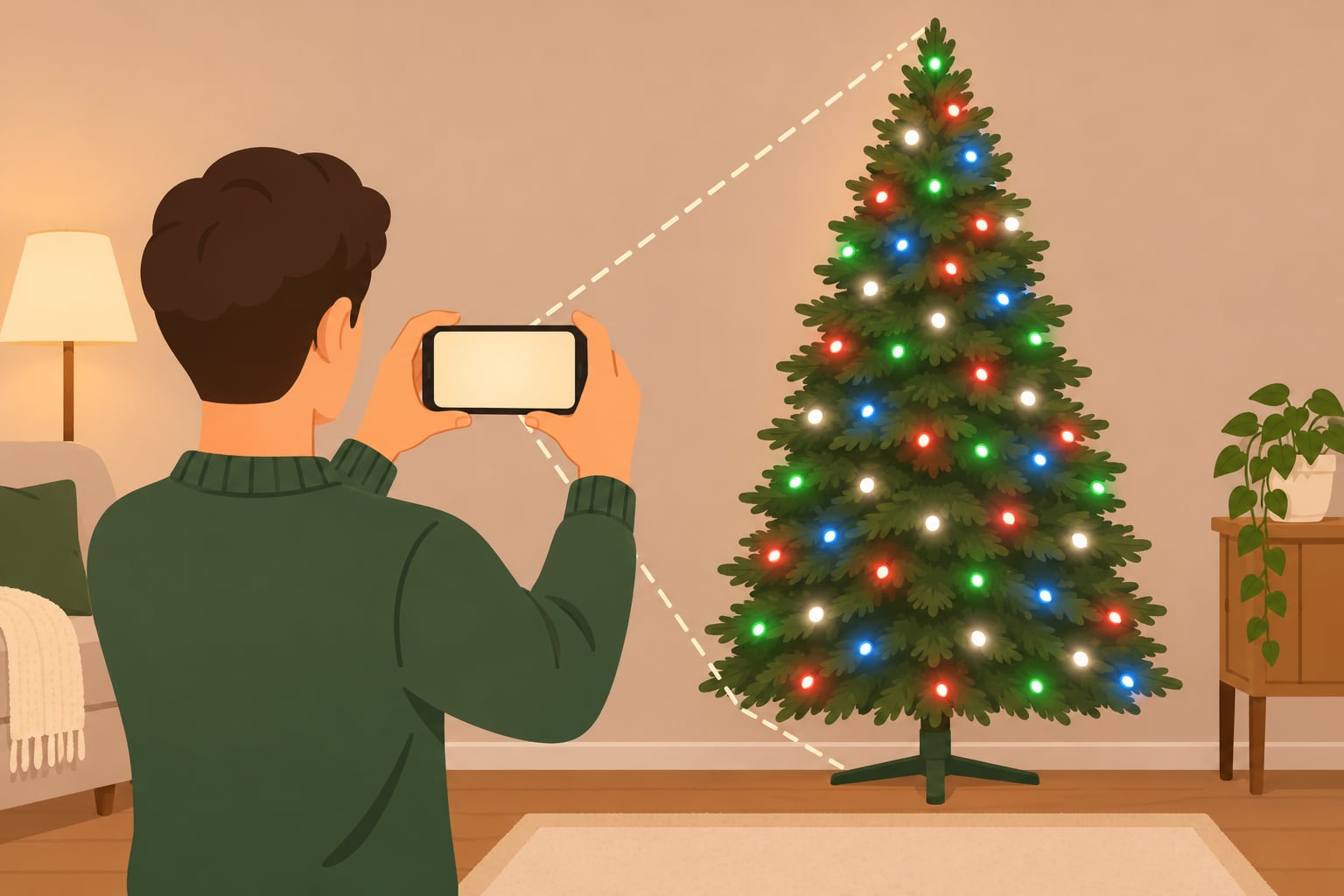
- Map the lights, on a Twinkly tree. Presets play without a map, but mapping is what places colors and effects where intended across the tree, and it comes before designing your own. The app films the tree while the bulbs light up in different colors. Balsam Hill says to stand 4.9 to 8.2 feet back, hold the phone steady, keep reflective surfaces out from behind the tree, and use moderate room light.
Read the instructions before you start. Taste of Home's tester, setting up a Balsam Hill Twinkly tree in 2023, tried pairing without them and gave up after about five minutes. With the pamphlet, assembly, pairing, and mapping took about 20 minutes. Fluffing is extra: the same review's long-term tester spent about an hour arranging the branches, which it calls on par with most artificial trees.
Getting connected once may not be the end of it. Taste of Home notes that some users report connection trouble, from the app losing its link to the tree to the tree unsettling their home Wi-Fi, though its own testers had no problems. Balsam Hill's guide has a troubleshooting entry for lights that stop responding after a successful setup, with fixes that run from refreshing the app's device list to resetting the lights or reinstalling the app. Our lights guide gives the same warning about app control in general: apps sometimes lag or crash.
What Still Works Without the App
A tree can outlast the app that runs it. Belkin ended app and cloud support for many of its Wemo smart plugs and switches on January 31, 2026, and its support page lists what went with it: the Wemo app, remote access, and Alexa and Google Assistant control. Devices that weren't set up with Apple HomeKit, it says, "will lose smart functionality," while ones that were keep working locally through the Apple Home app. Those weren't Christmas lights, but a smart tree leans on the same kind of app and account, so the question to ask is what runs without them.
So find out what yours does without the app:
- A Twinkly controller still has a button. Polygroup, which lists Twinkly among its brands, says on its Twinkly support page that the controller's round button lets you "swipe through a gallery of pre-set effects." On the Balsam Hill tree Taste of Home tested, the control box offered five: Rainbow, Snow, UpDown, Fireworks, and Glow. Without a home network, the controller can also make its own Wi-Fi network for your phone's app to connect to directly.
- The Smart Grand Duchess falls back to its remote and pedal, which run all 10 functions, and it keeps its built-in timer. Without the app it's an ordinary dual-color tree; you'd lose the custom schedules, groups, and voice control.
- Voice control through Alexa or Google Assistant has the most links in the chain: the assistant, your home Wi-Fi, and the tree maker's account. Those integrations were among the features Belkin's shutdown ended.
The bulbs are the other long-term question. Twinkly's spec sheet answers "Replaceable LEDs: No," and Balsam Hill's bulb guide says its app-controlled Twinkly lights can't be replaced bulb by bulb. The Smart Grand Duchess manual calls its LEDs non-replaceable too, though it says the rest stay lit when one burns out. With no bulb to swap, check how long the warranty runs before you buy.
Before the return window closes, run the tree for a day without the app: use the remote, pedal, or button, then unplug it, plug it back in, and see which setting it comes back in.
A Smart Tree or Smart Lights on an Unlit Tree
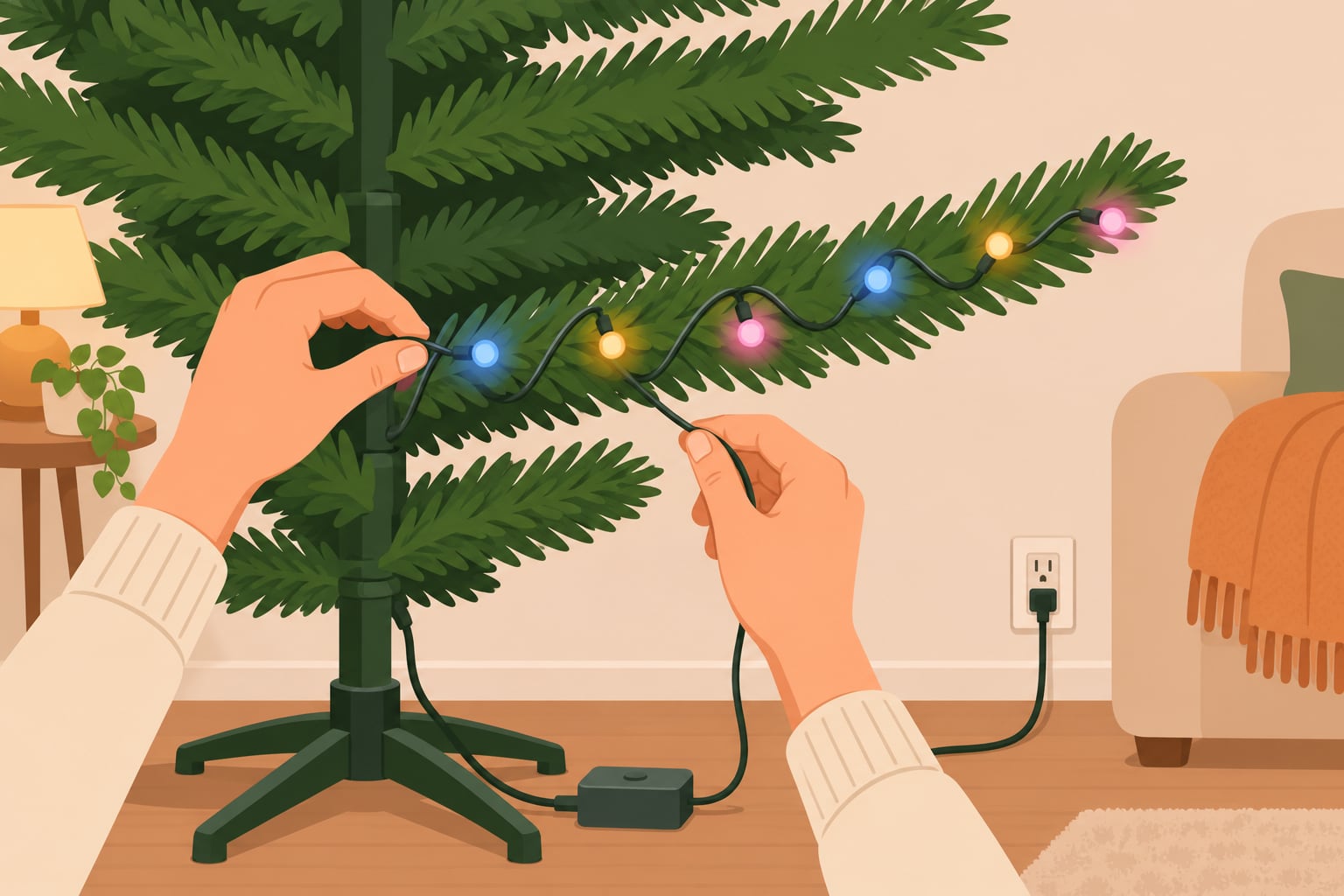
You don't need a smart tree to get smart effects. String lights from the same brands run on the same apps, and mapping works on lights you wrap yourself. Our pre-lit vs unlit comparison covers the general tradeoff, including stringing an unlit tree by section so the lights can stay on from year to year. Here's what changes when the lights are smart:
Smart string lights on an unlit tree
Pros
- You choose how many lights go on, so you're not held to an addressable tree's count
- A dead strand or controller is replaced on its own, without replacing the tree
- The lights move to your next tree
Cons
- You do the stringing, the first year at least
- Each set has its own controller to pair, and Polygroup says grouping sets takes your home Wi-Fi
- Controllers and plugs sit outside the tree, where a pre-lit tree runs power through its trunk to one plug
Govee's tree products are lights rather than branched trees. Its Christmas tree lights are 24 strands with 480 LEDs in all, sold with mounting rings for trees from 6.5 to 8 feet, and its cone tree lights are light strings on a freestanding metal stand, rated IP67 for outdoor use. The Twinkly trees stay indoors: Twinkly's tree page says "For indoor use only," and Balsam Hill says the controller and connections on its Twinkly trees aren't rated for outdoor exposure.
Who a Smart Tree Suits
A smart tree earns its keep if you'll use what only the app does:
- You want to design your own effects, or have them follow the tree's shape, for a theme, a party, or kids who want a say in the light show. That takes addressable lights, on a tree or in strings. For single colors and preset effects, an RGB tree with a remote, like the Breckenridge, already does the job.
- You want the tree on a schedule in a particular setting, not just switched on.
- Your house already runs on Alexa or Google Assistant, and you'll actually say "turn on the tree."
Skip an addressable tree if you'll mostly leave it on steady warm white or want the densest light you can get; an app on dual-color lights, like the Grand Duchess's, keeps the density. And skip the app altogether if on-off schedules and voice control are all you want: a smart plug on an ordinary tree handles those, as long as the tree comes back on in the setting you left it.
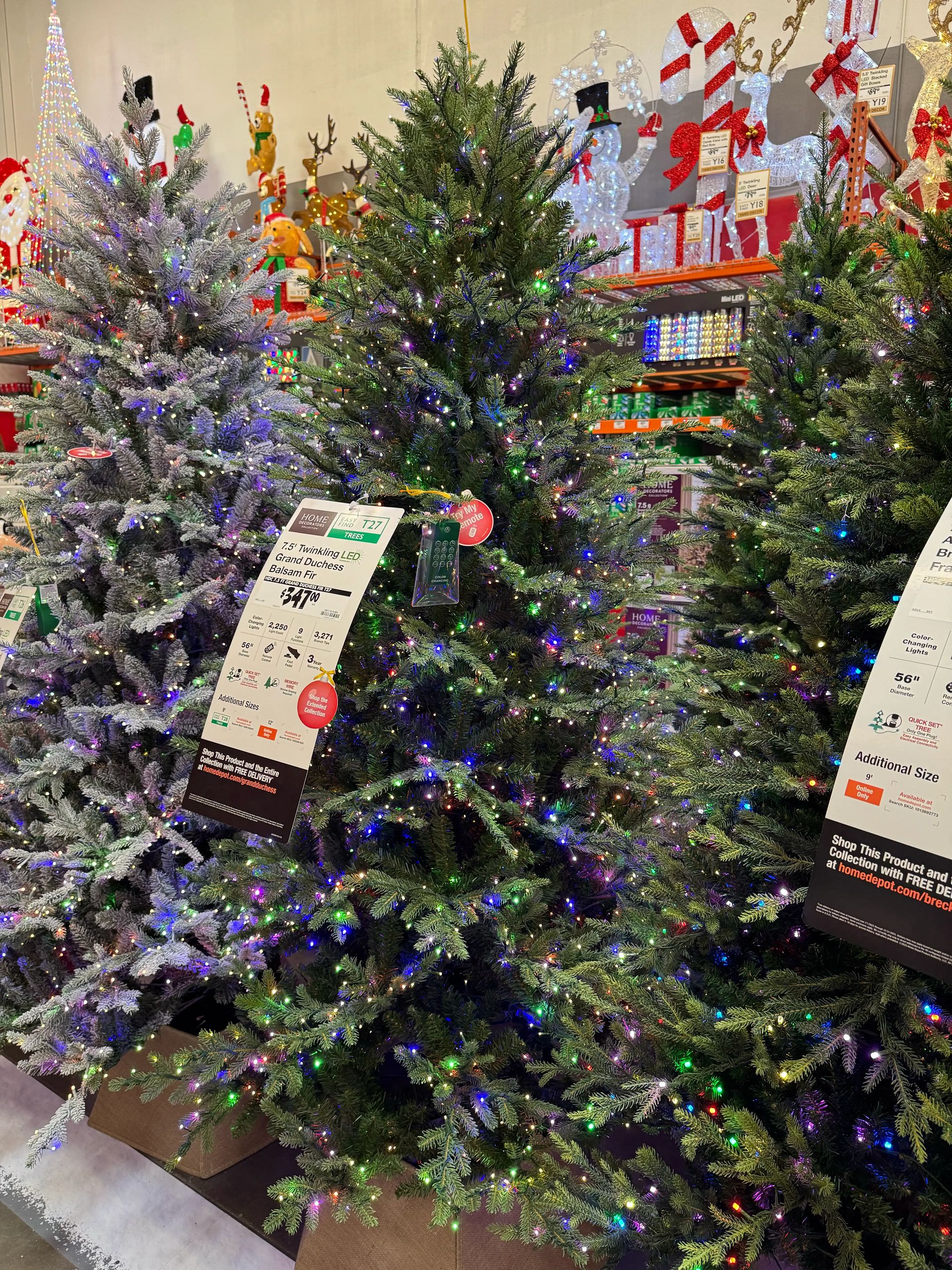
Home Decorators Collection Grand Duchess Twinkling Balsam Fir
The Smart Grand Duchess is the one app-controlled tree in our catalog. It pairs 2,250 dual-color micro LEDs at 7.5 feet with a remote and foot pedal, so the app is optional. Our review of the earlier version found its white setting cooler than some alternatives, and we haven't retested the current one.
We haven't reviewed a tree with addressable, app-controlled lights yet. Twinkly sells its own, and Balsam Hill sells several of its trees, including the Vermont White Spruce, with Twinkly lights. Look at the tree under the lights, too: Twinkly's 7-foot tree lists 1,250 branch tips and 35% PE, while the 7.5-foot Balsam Hill Fraser Fir Taste of Home tested had nearly 3,300 tips. If you shop one, judge it on the checks above: its light count for its height, what the controller does without the app, and how its setup gets along with your Wi-Fi.
Smart Christmas Tree Questions
What is a smart Christmas tree?
A smart Christmas tree is a pre-lit artificial tree whose lights you control from a phone app, usually over Wi-Fi after a Bluetooth setup, often with Alexa or Google Assistant voice control. Trees with addressable LEDs, such as trees with Twinkly lights, can show any color on any bulb and run effects mapped to the tree's shape. Trees with ordinary dual-color lights and an app, such as the Smart Grand Duchess, add schedules, groups, and voice control to the functions the remote already has.
Do smart Christmas trees work without Wi-Fi?
The lights do, with fewer features. A Twinkly controller's button cycles through a few built-in effects with no network at all, and without a home network the controller can make its own Wi-Fi network for your phone's app to connect to directly. The Smart Grand Duchess, a pre-lit tree with dual-color lights and the Hubspace app, runs all 10 of its light functions from its remote and foot pedal, but its app needs a 2.4 GHz home Wi-Fi network. Voice control through Alexa or Google Assistant needs your home network.
What is a Twinkly Christmas tree?
A Twinkly Christmas tree is a pre-lit artificial tree with Twinkly's app-controlled LEDs. Every bulb can show its own color, the app maps where each bulb sits using your phone's camera, and you pick effects from its gallery or design your own. Twinkly sells its own pre-lit tree, and Balsam Hill sells several of its trees with Twinkly lights. Twinkly lists its tree for indoor use only, and Balsam Hill says the controller and connections on its Twinkly trees aren't rated for outdoor exposure.
Can you make a regular Christmas tree smart?
Yes, two ways. Smart string lights on an unlit tree give you app control, mapped effects, and voice control, and you choose how many lights to use. A smart plug on any tree adds on-off schedules and voice control but can't choose a light setting, so check that the tree comes back on in the setting you left it before you rely on one.